

Tuesday evening OpenAI dropped dots.
Wednesday morning I opened Instagram with my coffee and it was dots, dots, dots. Somebody had an “I tested it” video out less than an hour after the launch, and it was on 85,000 views before I’d finished my cup. OpenAI’s own video had 274,000.
Fun videos. Cute little plush characters. But nobody told me what it costs, what it gets to do inside my accounts, or what happens to my stuff if I change my mind later.
So I read the launch post, the product page and the whole help center, down to the small print.
New here? Grab a coffee, you’re in the right place. Been here a while? Thanks for sticking around.
Got a colleague asking if this is worth paying for? Send them this.
So what is a dot?
It’s ChatGPT that keeps going after you close the tab.
Normal ChatGPT waits for you. You type, it replies, it sits there. A dot gets a goal from you and keeps working on it on its own time, between your chats. And it can write to you first, when it needs you to decide something or when it spots something you’d want to know about.
Took me a second to get used to that idea. ChatGPT messaging me, not the other way round.
It runs on GPT-6 Astra. It has its own computer in the cloud with its own browser, and it connects to more than 4,000 apps (Google Calendar, Drive, GitHub, Slack and so on).
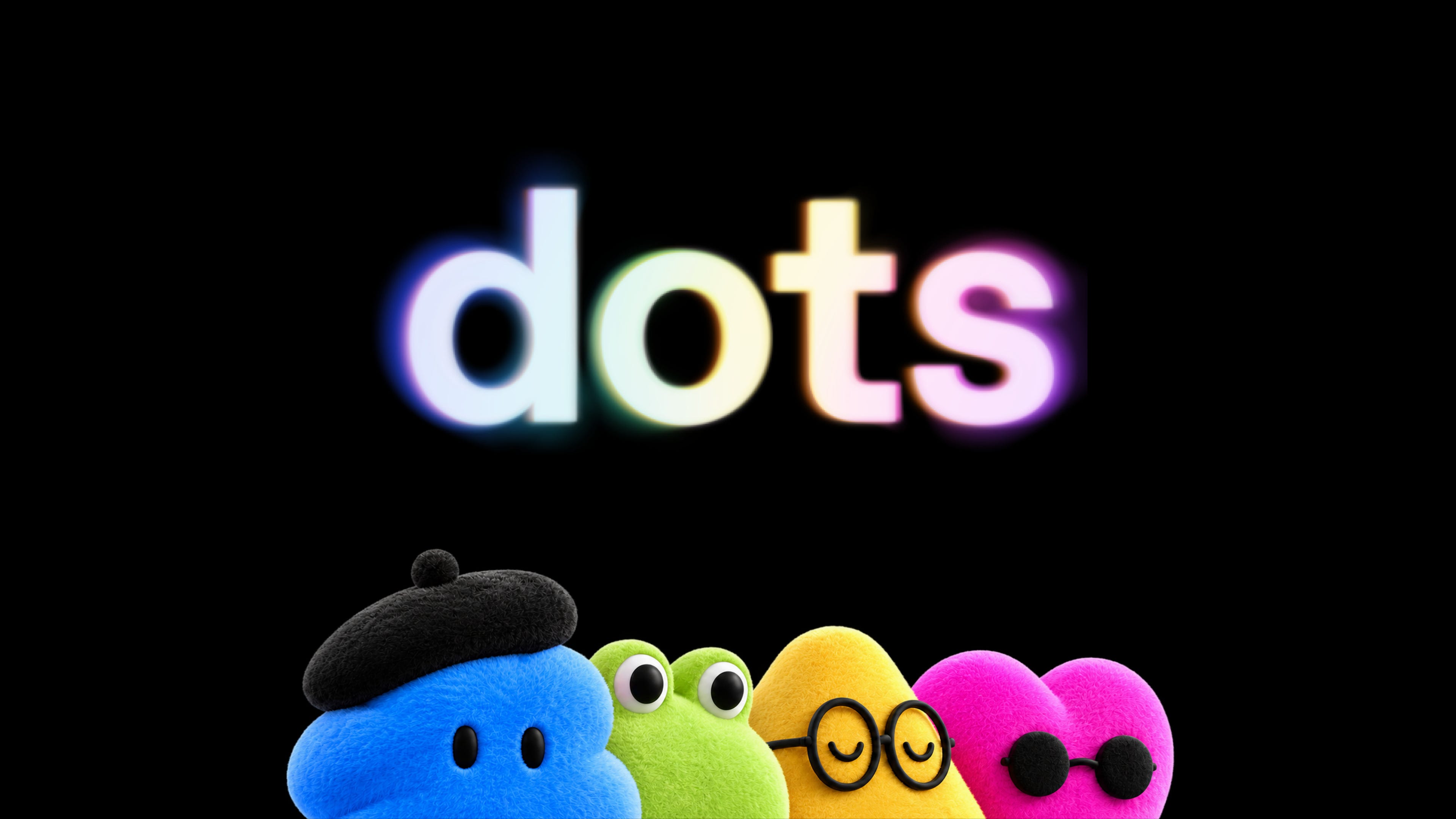
You give it a name. You pick a character for it, or a pet if you prefer. OpenAI’s launch page has one example I keep coming back to: a tester’s dot saw that he never invoiced a publication, made the invoice, and sent it once he said ok.
Out of the whole launch, that’s the example that stuck with me.
Where you talk to it
Setup happens on a computer, in the ChatGPT desktop app or in your browser. No creating one on the phone.
After that it goes wherever you go: the ChatGPT app, Slack, Microsoft Teams. Same conversation in all three, it doesn’t lose track. You can also call it and just talk.
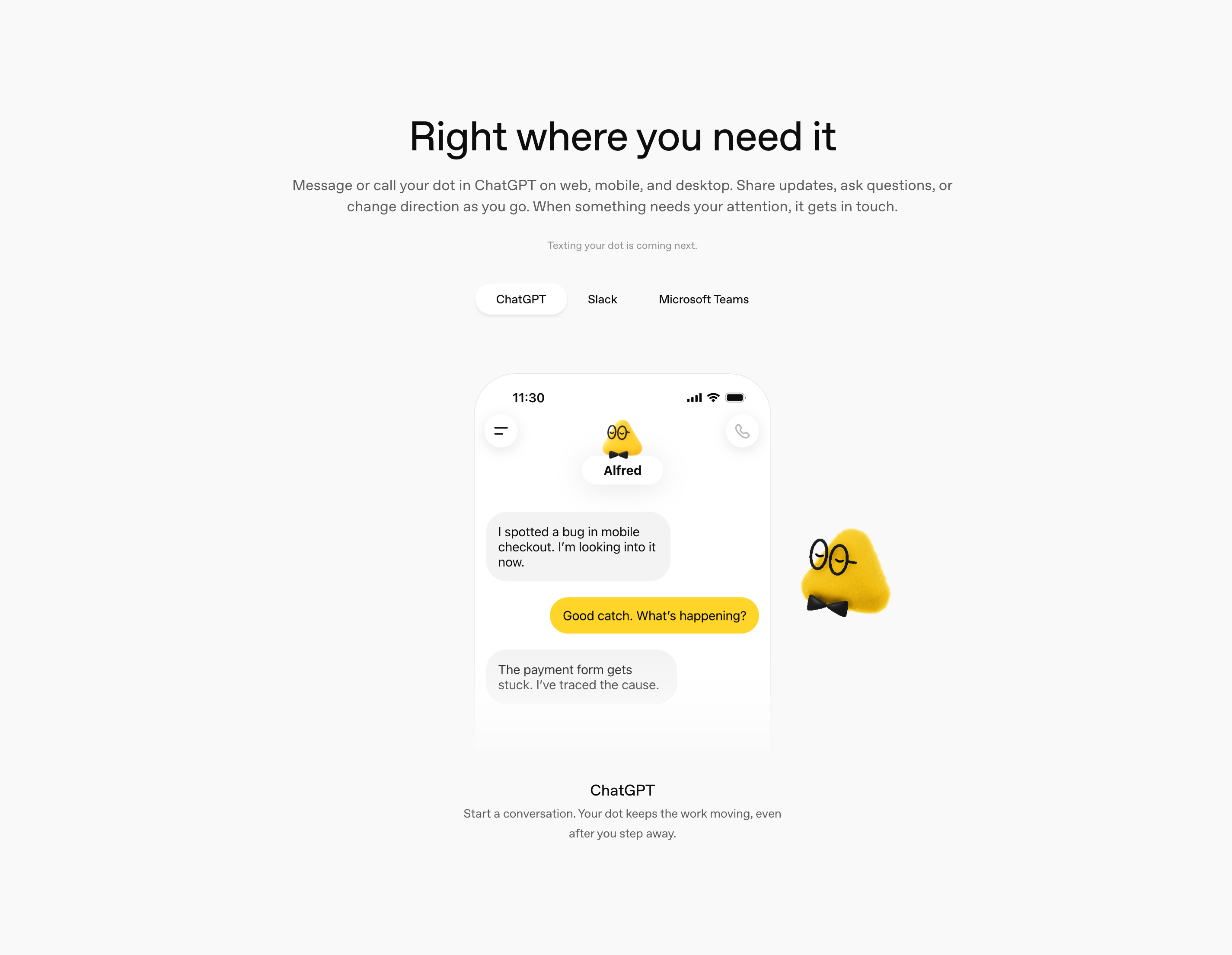
What it can’t do at launch: call you, or have its own email address. Texting is “coming next”, says OpenAI. You can connect your personal email though, and it’ll use that for your tasks.
It has its own computer
If you remember one thing from this post, make it this one.
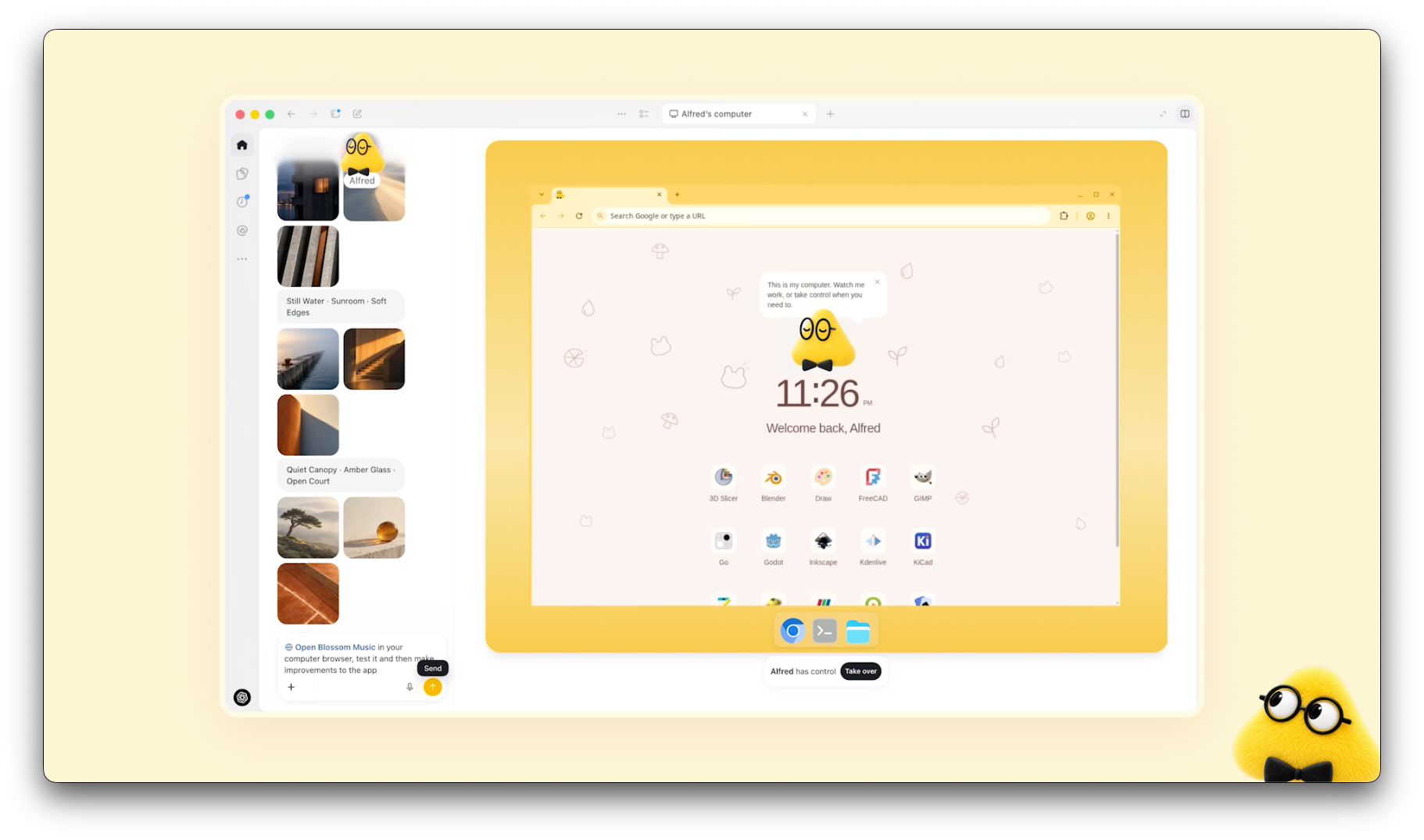
Your dot doesn’t live on your laptop. It gets its own computer in the cloud, and you can open that computer whenever you want and see what it’s up to. Like sitting next to an assistant and watching their screen.
Your laptop stays out of it. Access to it is switched off at the start. If you switch it on, the dot can get to your files and use your browser when its own browser gets blocked on some site.
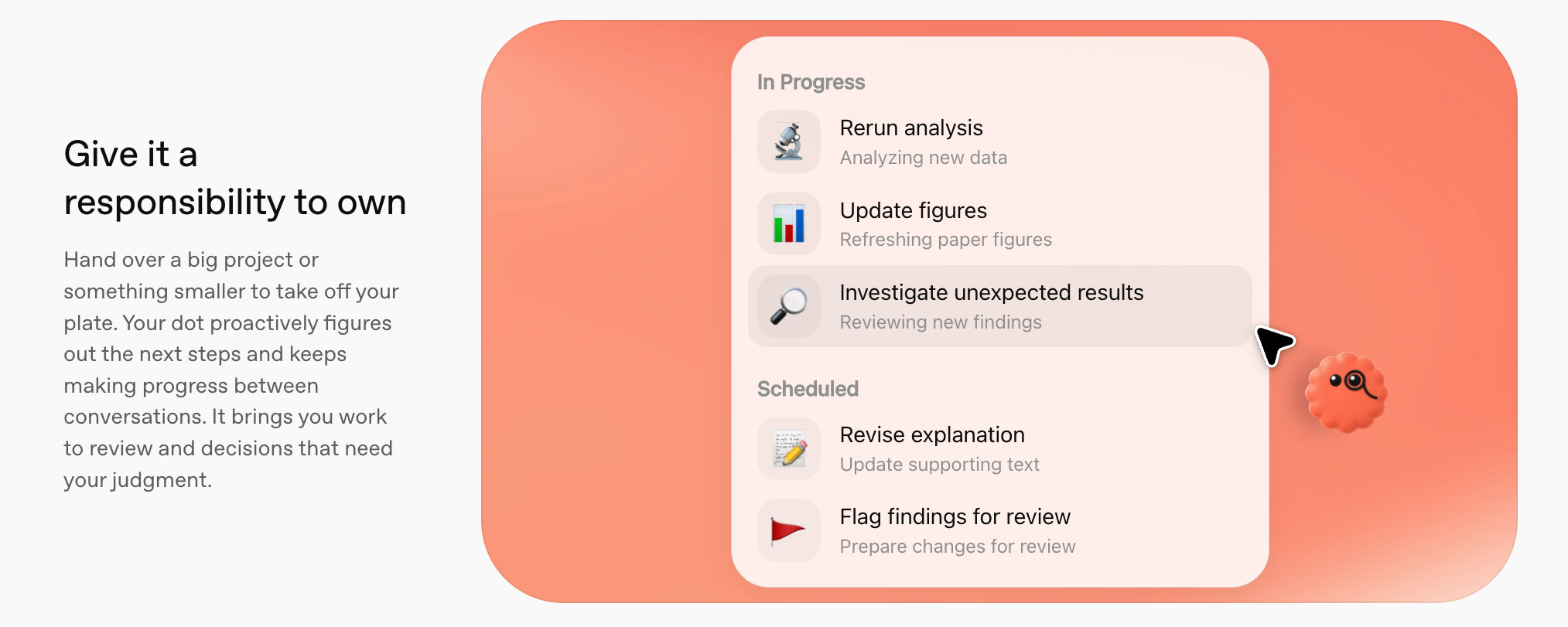
Its profile has three tabs: In progress, Scheduled, Completed. Scheduled is for things it repeats. OpenAI’s own example is checking your calendar every morning and telling you what’s on.
What it costs
Your first dot comes with ChatGPT Pro or Business Premium. You don’t pay anything on top. Pro starts at $100 a month (for me in Slovenia it shows €103).
In a lot of headlines you’ll see dots next to a $500 plan. Not the same thing. Pro now has three usage tiers, and the $500 one is for faster answers and more usage. You get a dot on all three. The cheapest Pro is enough.
Three smaller things from the help center:
Talking to your dot doesn’t count against your ChatGPT limits. The tasks it starts in Codex or ChatGPT Work do.
In the first month after launch you get more room for the heavy jobs.
Later on you’ll be able to buy more dots, or pay for one to work faster. No prices for that yet.
10 jobs I’d give a dot first
I made this list from what OpenAI says a dot can do: jobs on a schedule, your connected apps, and reading around in the background. It follows my day, from the first coffee to the evening.
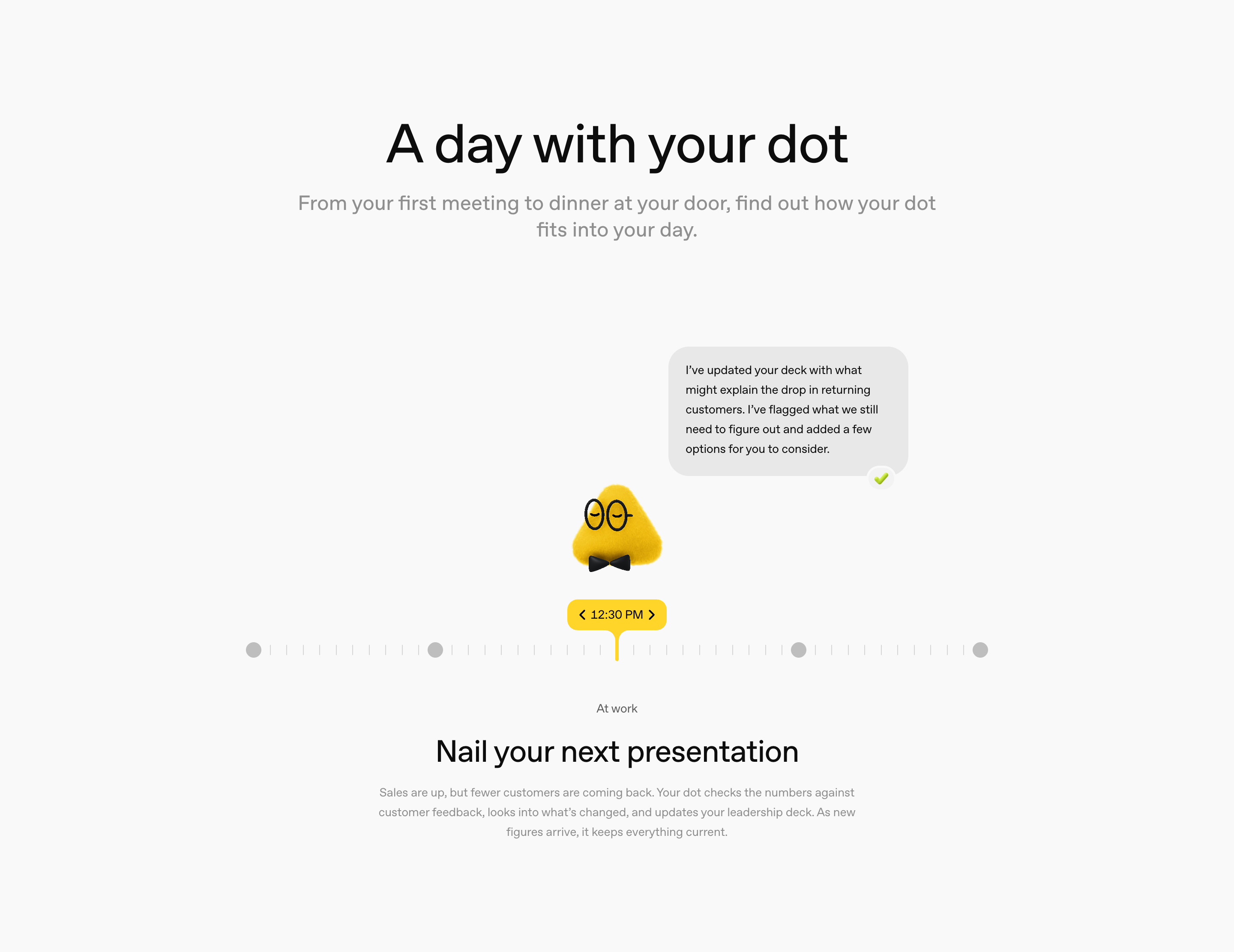
Morning first.
Calendar at 7:00. What’s on today and what I need to prepare.
Email overnight. It goes through what came in during the night and gives me the five emails I have to answer today.
Trends. I already get a page like this every morning from a system I built with Claude Code. This is the job I’m most curious about, because a dot would do it without me building anything.
During the day.
My to-do list. It does the bits it can do by itself, and asks me about the rest.
A deck that stays current. In OpenAI’s demo, the dot updates a leadership deck when new numbers come in, and marks what’s still open.
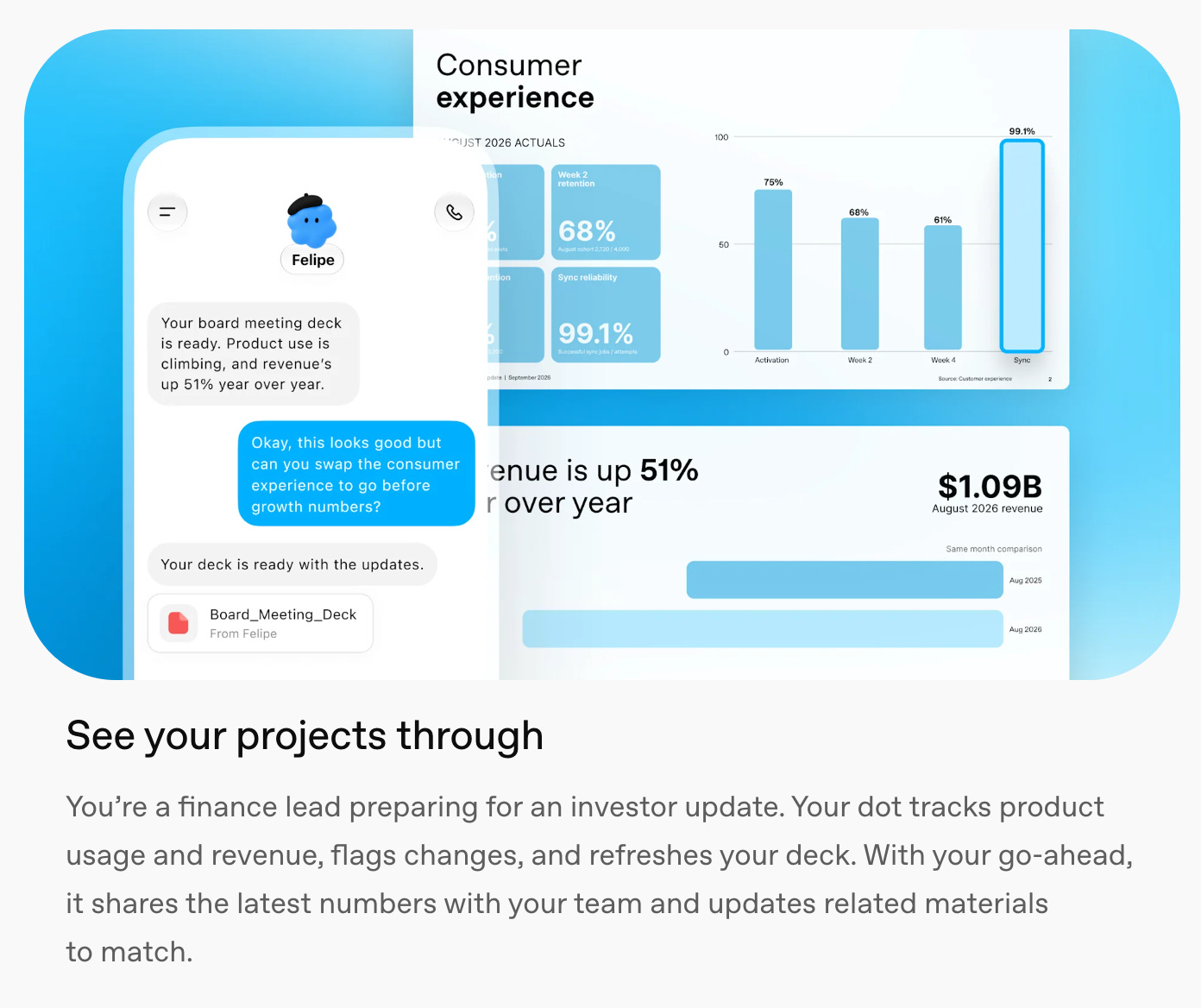
Before a call. Every email, note and file I have with that person, on one page.
Content, which is most of my week.
One interview, a week of posts. A new transcript comes in, the dot picks moments for clips, writes show notes and drafts posts. I approve or change them. This one comes from OpenAI’s own creator example, and it’s the closest to my work.

Fridays: competitors. What five competitors posted, launched or changed on their pricing pages that week. One page.
And the boring life stuff.
Invoices I forgot. It finds work I never billed and prepares the invoice.
A trip. Dates and a budget from me, three options back from the dot, I choose.
What I wouldn’t let it do
Anything that works while I sleep can also get it wrong while I sleep. So I read the safety part slower than the features.
You decide which apps it gets. When it looks around in the background without being asked, its tools are read-only, so it can’t send or change anything. With Custom Rules you can let it do something, make it ask first, or block it. Anything touching your accounts or sharing your info gets checked before it happens, and some things, like changing a password, it always leaves to you. It can log in to sites with your saved passwords, and the model never sees them.
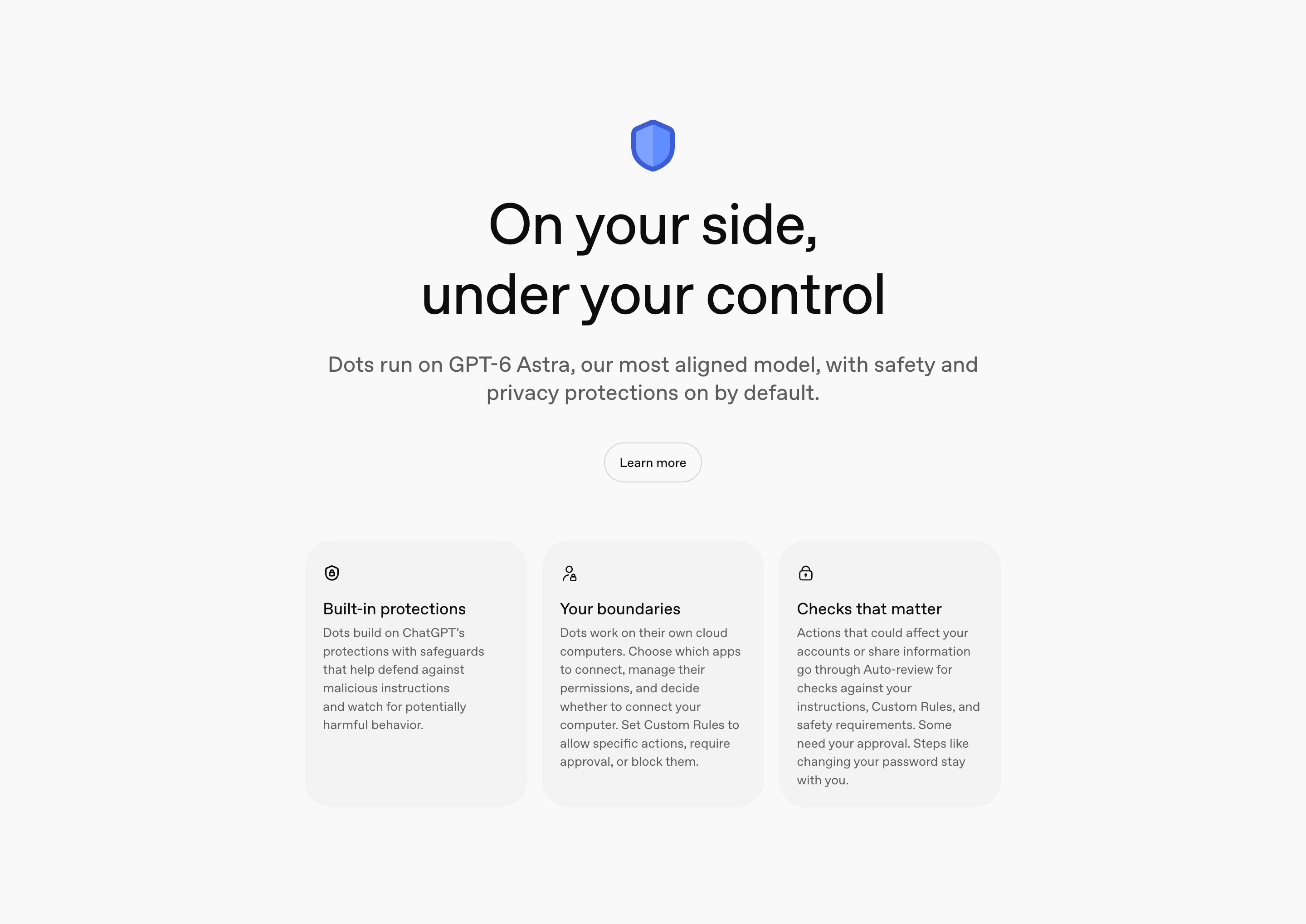
My rules would be boring. Ask me before you send, book or pay for anything. First week, read-only. More access after I’ve seen what you did with that.
One thing I didn’t expect. If you disconnect an app, the dot keeps what it already learned from it. You only get rid of that by deleting the dot. So I’d connect apps one at a time, slowly.
On a personal plan you choose if your dot’s chats are used for training. For Business, Enterprise and Edu that’s off by default.
Is anyone else doing this?
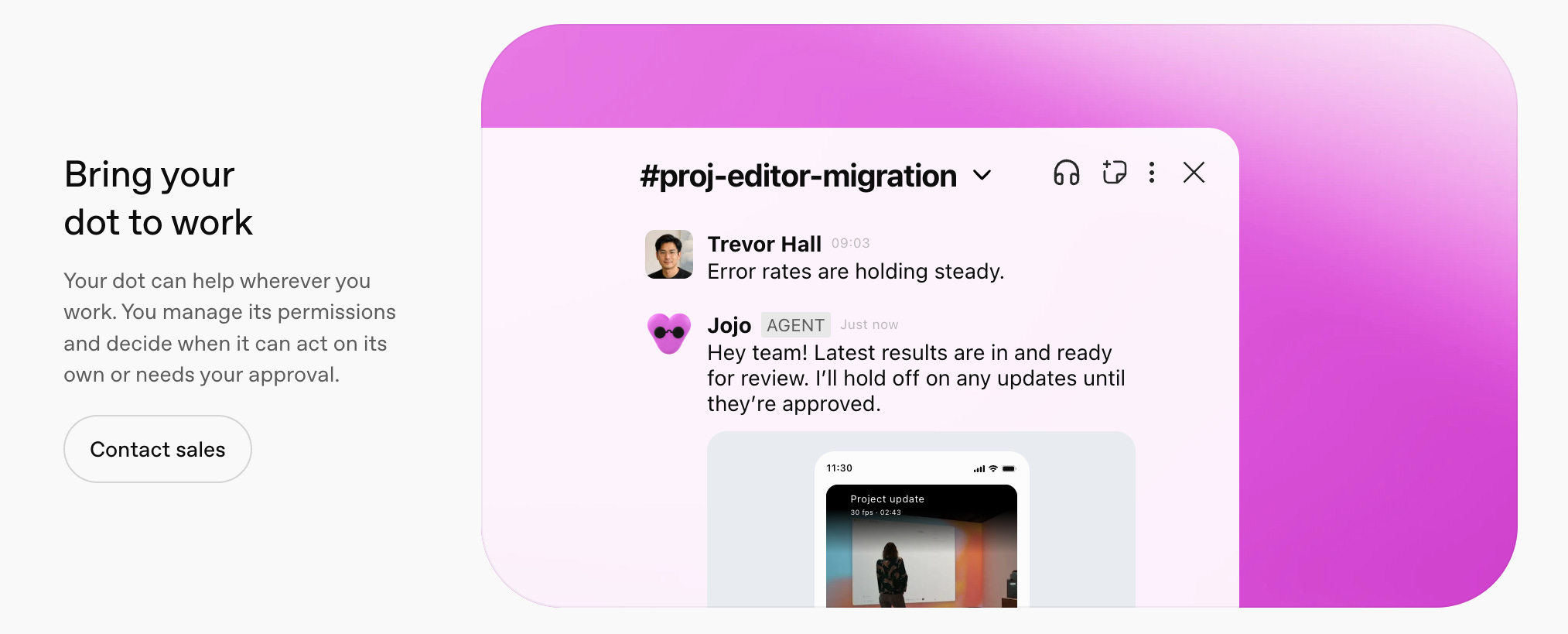
Yes. Meta has Muse (travel bookings, email), Google has Gemini Spark. What OpenAI has that the others push less: the dot’s own computer, and the fact that it sits in Slack and Teams, where lots of people spend their whole workday anyway.
If you get one this week
You need Pro or Business Premium. Set it up on your computer and give it a name. Connect two or three apps, not twenty; calendar and email are enough for a start. Write your Custom Rules before the first job. Then give it one job on a schedule, the 7:00 calendar one for example, and after a few days open its computer and look at what it did.
OpenAI is rolling dots out slowly, so yours might take a while to show up.
I’ll write about how three of these jobs go, the parts that break included. Subscribe and you’ll get it.
Got a colleague asking if this is worth paying for? Send them this.
See you next week.
Aljaz